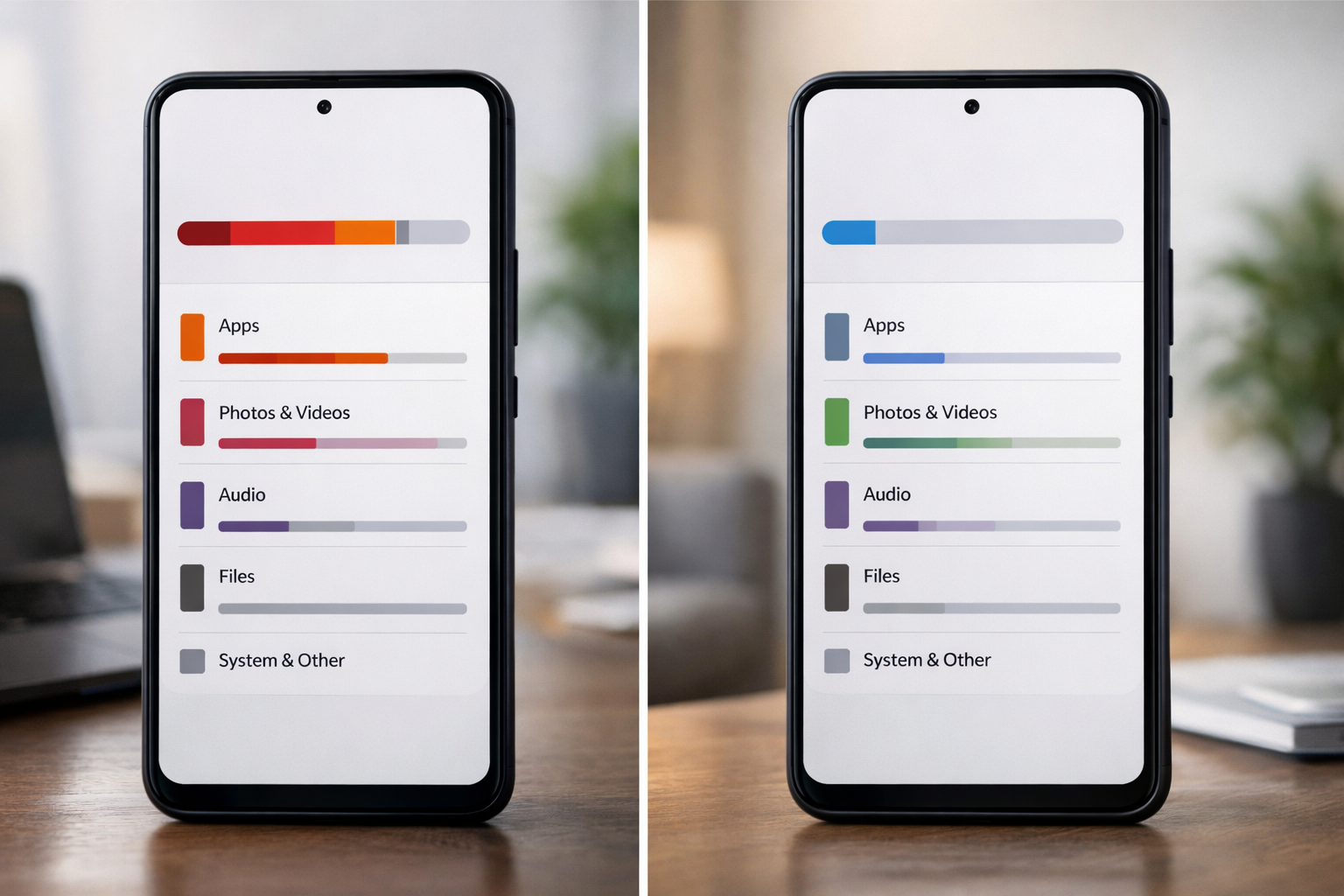
Most people focus on battery life when their phone slows down.
However, storage plays an equally important role.
Keeping enough free space allows your device to manage system files, temporary data, and background tasks properly.
The Short Answer
For smooth performance, you should keep at least:
- 10% to 15% of total storage free
On a 128GB phone, that means keeping around 12–18GB available.
Less than that can start affecting system efficiency.
Why Free Storage Matters
Your phone constantly creates:
- Cache files
- Temporary app data
- System logs
- Update packages
When storage is nearly full, the operating system struggles to manage these files efficiently.
This is one of the core reasons low storage slows down your phone →
Why Low Storage Slows Down Your Phone (And What Actually Helps)
What Happens When Storage Is Too Full?
When free space drops below 5–10%:
- Apps may lag
- Updates may fail
- Photos and videos take longer to process
- Background services become unstable
The phone is not “old” — it is simply constrained.
Does More Free Space Always Mean Faster Phone?
Not necessarily.
Keeping 40–50% empty won’t magically double performance.
The key threshold is ensuring the system has enough working space to operate without stress.
Beyond that, performance gains are minimal.
Practical Storage Guidelines
- Delete unused large apps
- Remove old videos
- Clear heavy messaging app media
- Avoid installing unnecessary apps
Maintaining healthy storage levels is one of the simplest ways to preserve long-term performance.
Final Takeaway
Storage health directly affects phone speed.
- Keep at least 10–15% free
- Avoid letting storage fall below 5%
- Combine this with sensible app management
Simple habits prevent unnecessary slowdowns.