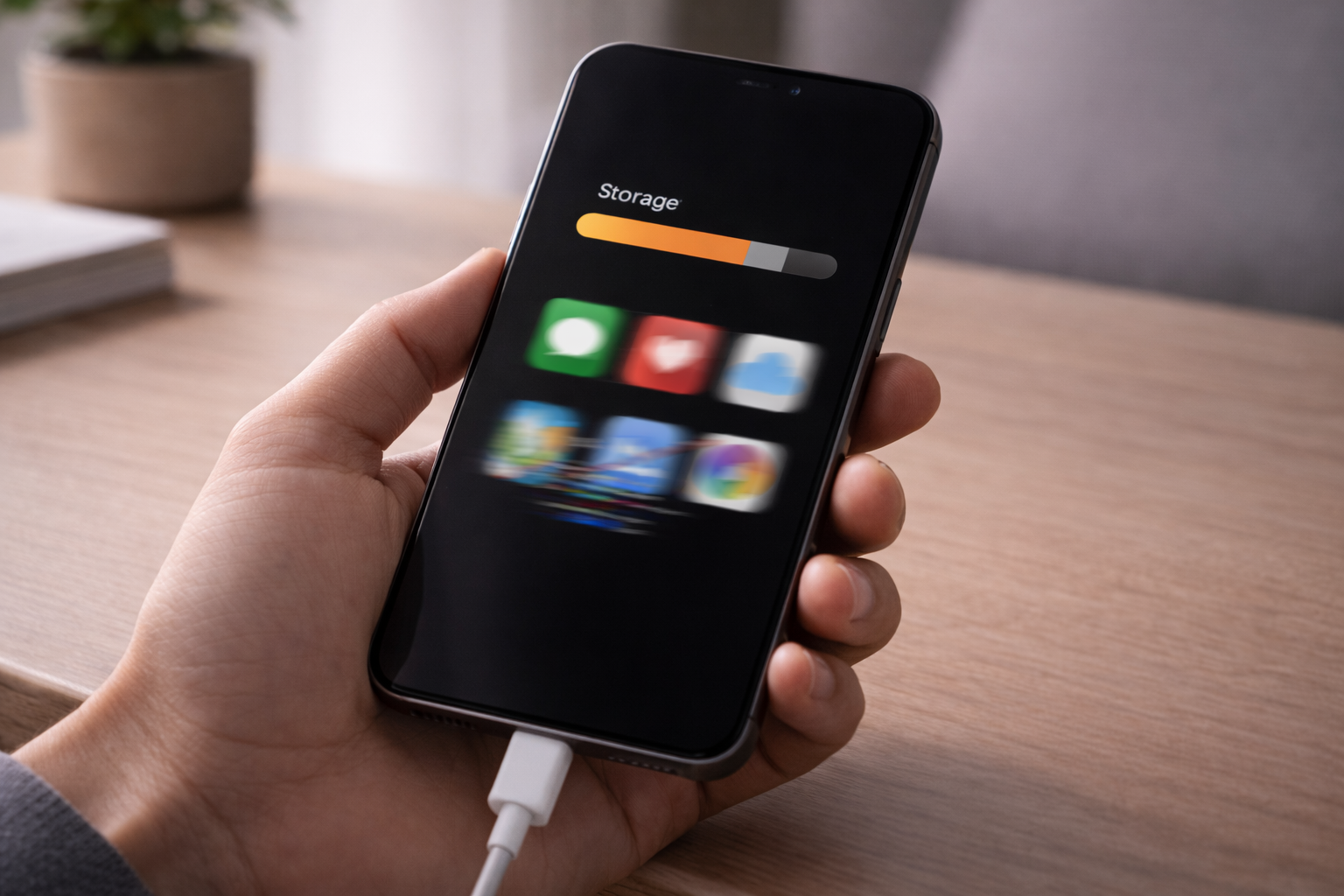
Your phone feels sluggish. Apps lag. Animations stutter.
And then you notice: storage is almost full.
This isn’t just coincidence. Phones are designed this way.
Most people assume the problem is apps or updates—but the real reason is usually something else.
How Storage Affects Performance
This slowdown often feels similar to what users notice after major system changes, which is also explained in Why Phones Slow Down After Updates.
Phones need free storage for:
- Temporary files
- System caches
- App data management
When storage is nearly maxed:
- The system struggles to find space
- Writes and reads slow down
- Background tasks get delayed
Result: everything feels slower.
The Role of RAM and Virtual Memory
Full storage also impacts virtual memory:
- Phones swap temporary data to storage when RAM is low
- If storage is full, swapping slows dramatically
- Apps take longer to open and multitasking suffers
This is especially noticeable on older phones.
Why Deleting Apps Isn’t Always Enough
Even after deleting apps:
- System caches remain
- Media files, downloads, logs accumulate
- Storage may still be near capacity
The key is system balance, not just app removal.
Why iPhones and Android Phones Behave Differently
- iPhones: Aggressive memory management, background tasks paused, but may still lag when storage <1 GB free
- Android: More flexible, but file fragmentation can slow reads/writes, especially on older devices
Different systems, same problem: near-full storage = slower performance.
How to Reduce Lag Without Deleting Everything
- Clear caches selectively
- Offload media to cloud storage
- Remove unused apps
- Avoid filling storage to the absolute max
Even freeing a few hundred MB can improve responsiveness.
Final Takeaway
If your phone also feels warm during heavy usage, storage pressure can amplify system stress — a related issue covered in Why Phone Gets Hot While Charging.
Slowness near full storage is normal, not a bug.
Your phone needs breathing room to manage apps, caches, and system tasks.
Keeping some free space ensures smooth performance — and peace of mind.
Frequently Asked Questions
Does full storage slow down iPhone and Android phones?
Yes. When storage is nearly full, phones struggle to manage system files, cache, and temporary data, which directly affects performance on both iOS and Android.
How much free storage should I keep for best performance?
Keeping at least 10–15% of storage free allows the system to manage apps and background processes smoothly.