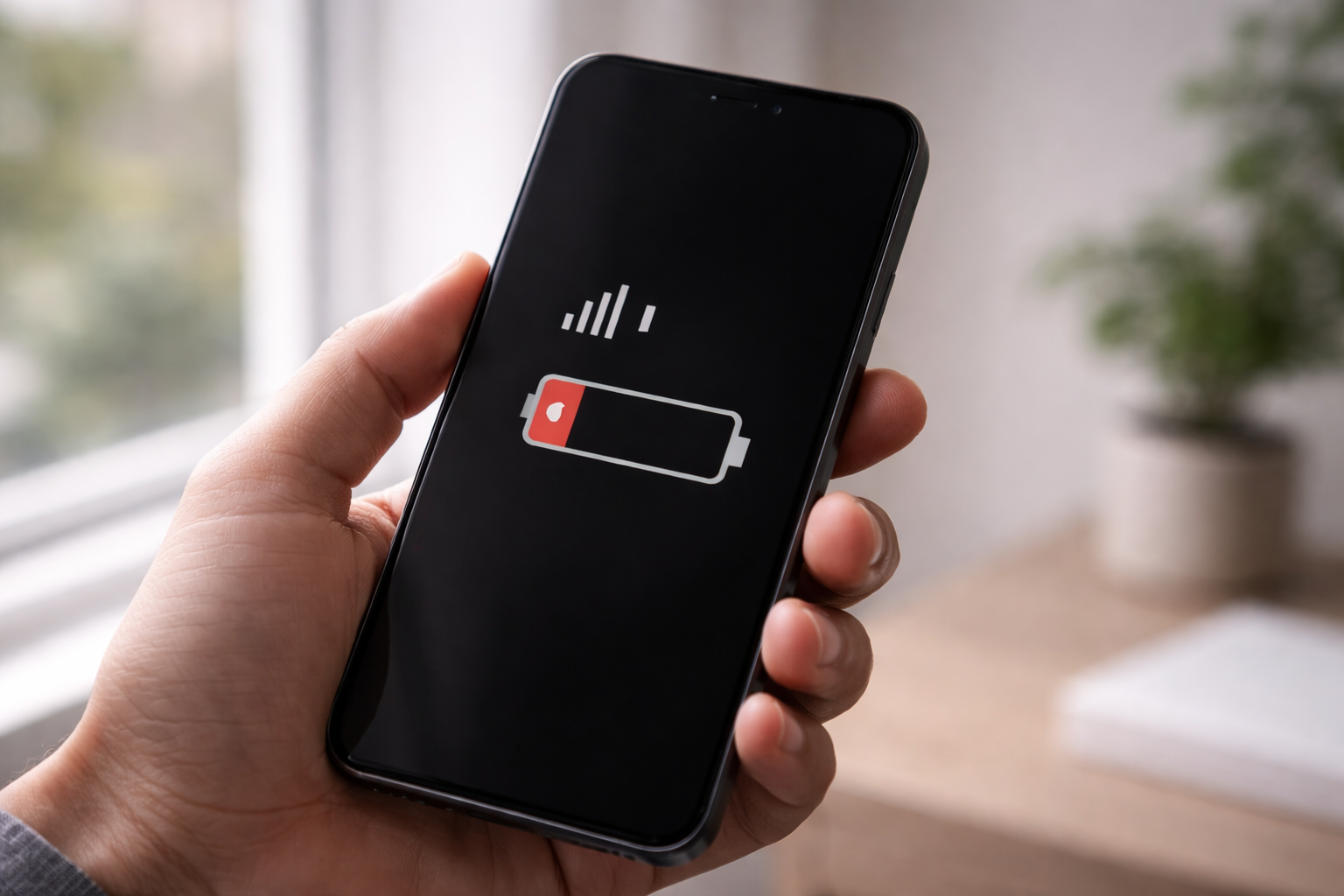
You’re indoors.
The signal is bad.
And somehow your phone battery is dropping faster than usual.
This isn’t coincidence.
A weak signal is one of the fastest battery killers — and most people never realize it.
What Your Phone Does When Signal Is Poor
Your phone is constantly trying to stay connected.
When signal is weak:
- It increases transmission power
- It searches aggressively for stronger towers
- It switches between networks repeatedly
All of this happens silently in the background.
That effort costs energy.
Why Weak Signal Uses More Battery Than No Signal
This part surprises people.
- No signal (Airplane mode) → radios off → low power usage
- Weak signal → radios working overtime → high power drain
Your phone works harder trying to fix the connection than it would if it had none at all.
Where This Happens Most Often
Battery drain from weak signal is common in:
- Elevators
- Basements
- Parking garages
- Trains and moving vehicles
- Rural or remote areas
- Concrete buildings
If your battery drops fast in these places, this is why.
Why the Phone Gets Warm Too
When network radios boost power:
- Heat increases
- Battery efficiency drops
- Drain accelerates further
That warmth isn’t from apps.
It’s from connectivity hardware struggling.
Does Turning On Airplane Mode Help?
Yes — when you don’t need connectivity.
Airplane mode:
- Shuts down cellular radios
- Stops constant signal searching
- Immediately reduces battery drain
This is why phones last much longer on flights or in remote areas when airplane mode is enabled.
What You Should Do Instead of Worrying
You don’t need hacks.
Just understand this:
- Weak signal drains battery
- It’s normal behavior
- It’s not a defect
If signal is consistently poor in one place, battery loss is unavoidable.
Final Takeaway
Your phone isn’t malfunctioning.
When signal is weak,
your phone is fighting to stay connected — and that fight costs battery.
Sometimes, the smartest move is letting it stop trying.