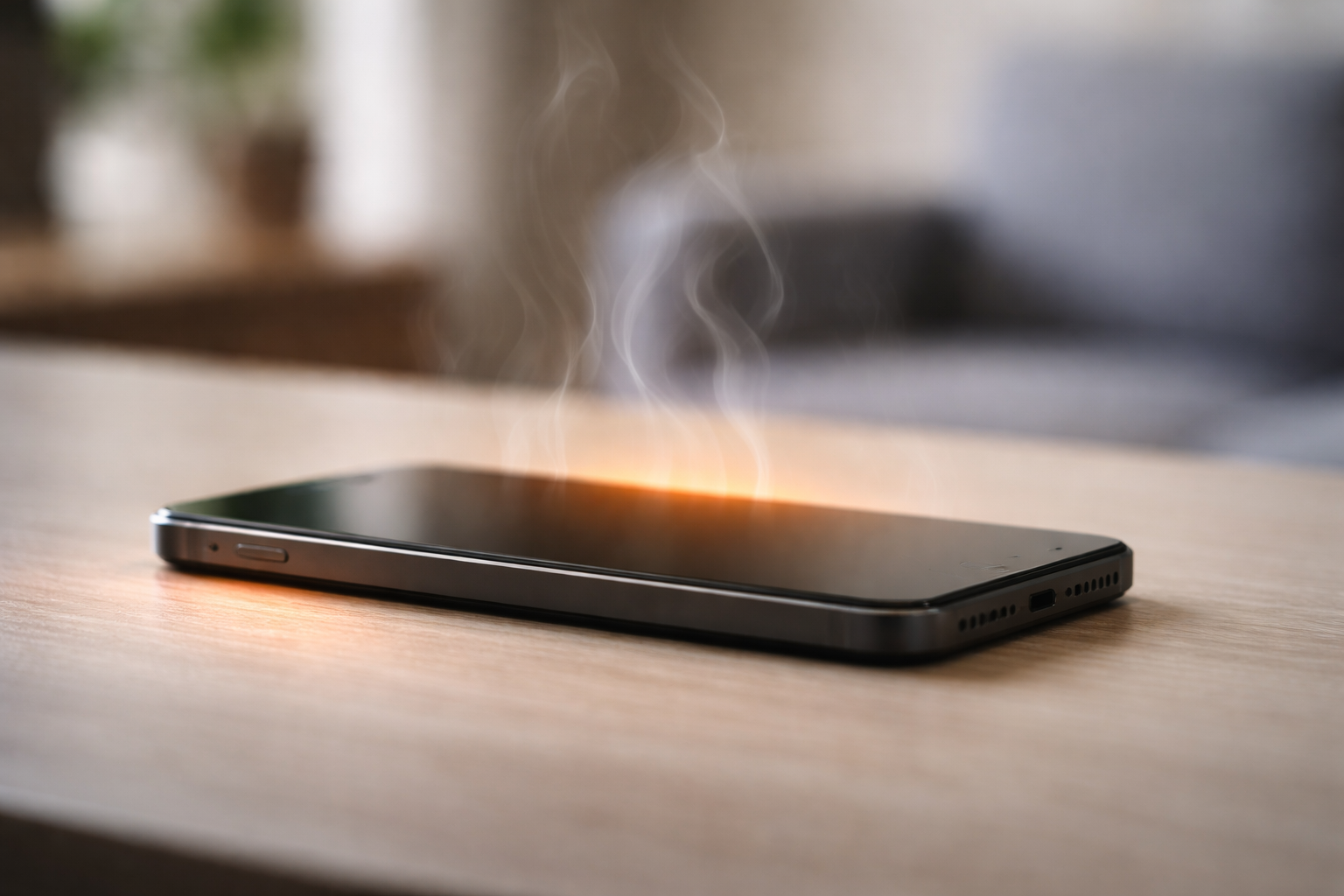
You’re not using your phone.
The screen is off.
Yet it feels warm in your hand or pocket.
This isn’t a bug. It’s how modern smartphones operate.
1. Background Processes Never Fully Stop
Apps continue running silently:
- Syncing data
- Refreshing content
- Uploading logs
- Checking notifications
Even minimal CPU activity produces heat.
2. Poor Network Signal Forces Extra Work
When signal strength is low, your phone:
- Boosts antenna power
- Reconnects repeatedly
- Switches between networks
All of this generates heat without visible usage.
3. Software Updates Run in the Background
Phones install:
- App updates
- System optimizations
- Security patches
These processes often run when you’re inactive.
4. Battery Charging Creates Heat
Even light charging:
- Generates internal resistance
- Produces heat naturally
Fast charging increases this effect.
5. Environmental Factors Matter
Heat builds up faster when:
- Phone is in a pocket
- Device is under a pillow
- Case traps heat
- Room temperature is high
How to Reduce Heating When Phone Is Idle
- Turn on Battery Saver
- Improve signal or enable Airplane Mode
- Remove thick cases occasionally
- Avoid charging in enclosed spaces
- Keep apps updated
Final Take
Phones don’t need active use to generate heat.
Background work, signal strength, and charging are enough.
Understanding this prevents panic — and protects battery health.