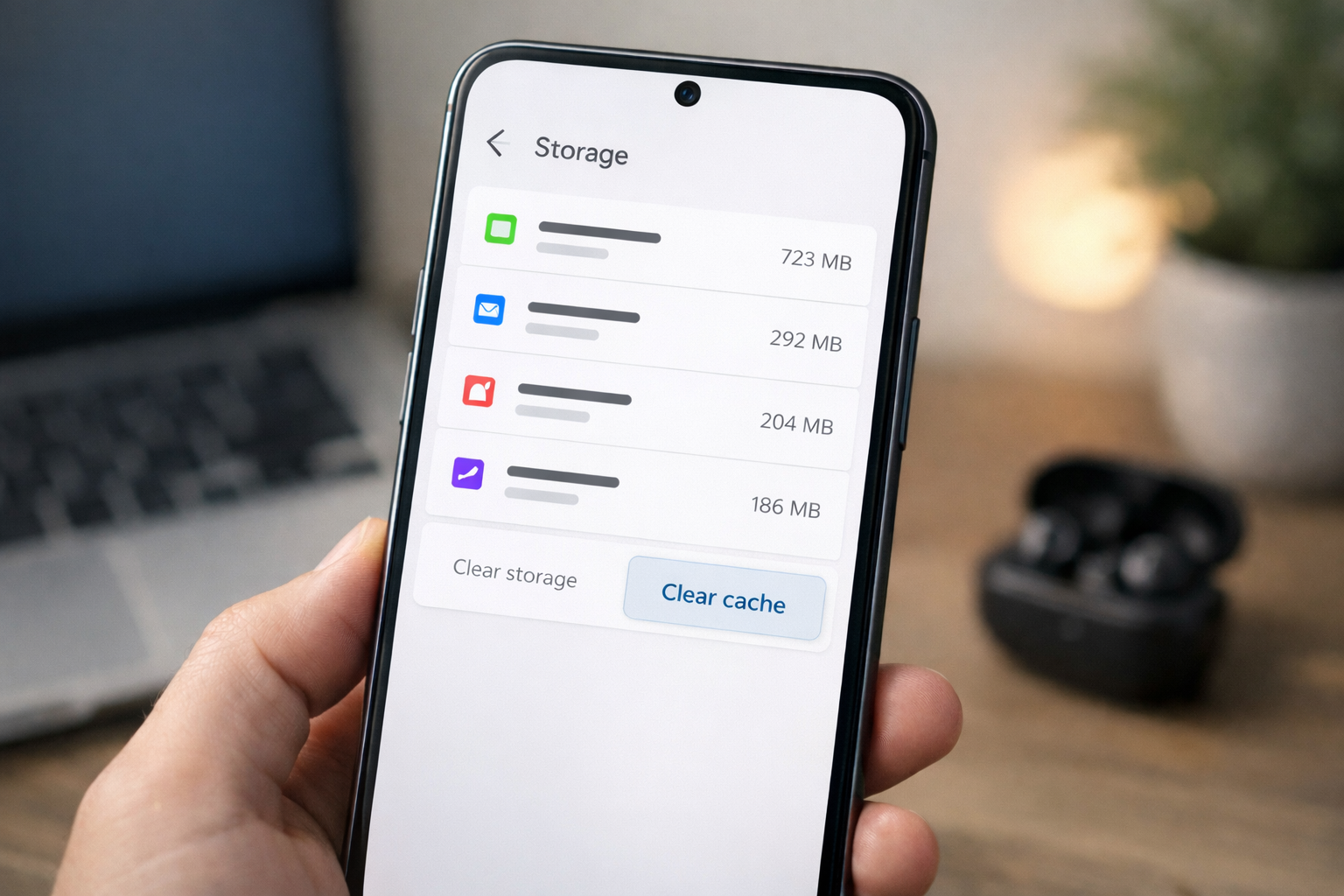
Many phone guides recommend clearing cache to fix slow performance.
But does it actually make a noticeable difference?
The answer is: sometimes, but not always.
Cache plays an important role in how apps load and function.
Understanding what it does helps explain when clearing it helps—and when it doesn’t.
What Is Cache?
Cache is temporary data stored by apps to help them load faster.
For example:
- social media apps store images and thumbnails
- browsers store website files
- streaming apps store small preview data
Instead of downloading this information every time, apps read it from local storage.
This improves speed during normal use.
Why Cache Can Grow Very Large
Over time, cache files accumulate.
Heavy apps like:
- TikTok
- Chrome
- YouTube
can store hundreds of megabytes of cached files.
After months of use, cache data can grow significantly.
When storage becomes tight, this buildup can contribute to performance issues.
When Clearing Cache Actually Helps
Clearing cache can help in situations like:
- apps crashing or freezing
- apps loading outdated content
- storage running low
- temporary performance slowdowns
Removing cache forces the app to rebuild fresh data.
This can sometimes resolve glitches.
When Clearing Cache Does NOT Help
Clearing cache will not magically boost overall performance if the phone is slow because of:
- aging hardware
- too many background apps
- low available storage
In many cases, the bigger issue is that your phone is running with very little free storage.
You can read more about that here:
Why Low Storage Slows Down Your Phone (And What Actually Helps)
Does Clearing Cache Delete Personal Data?
No.
Clearing cache does not remove:
- login information
- photos
- messages
- saved documents
It only removes temporary files.
However, clearing app data (a different option) would reset the app completely.
Should You Clear Cache Regularly?
Clearing cache occasionally is fine, but doing it frequently is unnecessary.
Apps rebuild cache again during normal usage.
Instead of clearing it constantly, focus on maintaining healthy storage levels.
Keeping at least 10–15% of storage free helps phones operate more smoothly.
Final Takeaway
Cache helps apps load faster, but it can grow large over time.
Clearing cache can fix temporary issues and free some storage, but it is not a universal solution for slow phones.
Performance problems are often related to storage pressure or long-term system usage patterns.