ARTICLE CONTENT
Why Your Phone Storage Fills Up So Fast (Even When You Delete Apps)
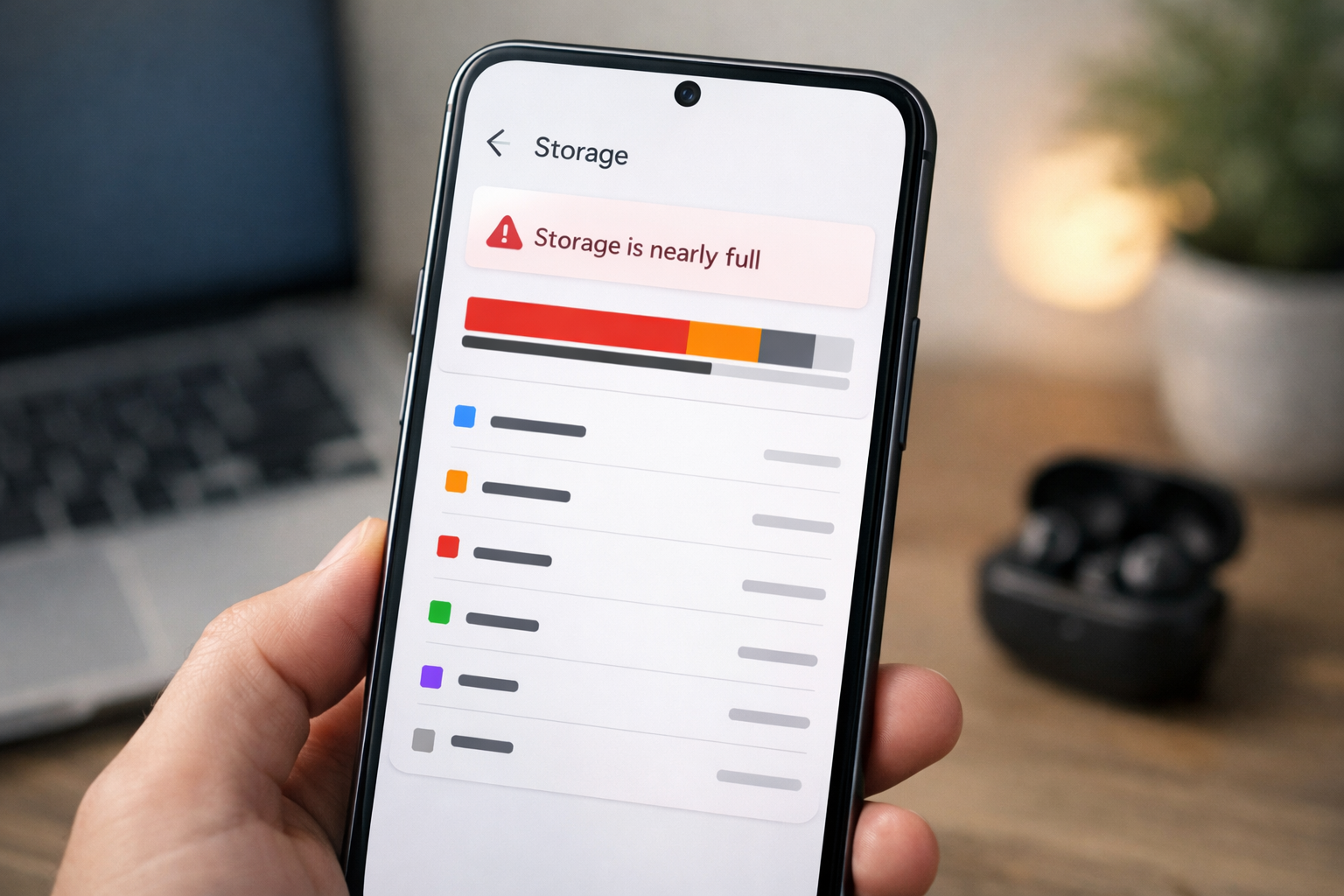
Many people assume apps are the main reason phone storage fills up.
So when storage becomes full, the first reaction is usually deleting apps.
However, many users notice something strange: even after removing apps, storage fills up again surprisingly fast.
This happens because several other types of data accumulate quietly in the background.
1. App Cache Builds Up Over Time
Every app stores temporary data called cache.
Cache helps apps open faster because frequently used files are saved locally.
Examples include:
- images from social media apps
- website files stored by browsers
- video thumbnails and previews
Over time these files can occupy hundreds of megabytes or even several gigabytes.
Clearing cache occasionally can help free space.
2. Messaging Apps Store Large Media Files
Messaging apps are one of the biggest hidden storage users.
Apps like WhatsApp, Telegram, and Messenger automatically download:
- photos
- videos
- voice notes
- documents
Even if you never manually save these files, they remain stored on the device.
After months of usage, messaging media can take several gigabytes.
3. System Files Gradually Increase
Your phone constantly creates system files such as:
- logs
- update files
- temporary installation data
- system caches
These files help the operating system function smoothly, but they also consume storage over time.
This is one reason why low storage can start slowing down your phone.
You can learn more about that here:
Why Low Storage Slows Down Your Phone (And What Actually Helps)
4. Photos and Videos Take More Space Than You Expect
Modern smartphone cameras capture very high-resolution images and videos.
A single:
- 4K video can take hundreds of megabytes
- high-resolution photo may exceed several megabytes
Over time, media files become one of the largest storage consumers.
5. Apps Store Offline Data
Some apps store offline data automatically.
Examples include:
- downloaded music
- saved maps
- streaming app downloads
- game resources
These files can silently occupy large amounts of storage.
How to Prevent Storage From Filling Too Quickly
You don’t need to constantly delete apps.
Instead, focus on managing hidden storage usage:
- clear large app caches occasionally
- remove unused media files
- check messaging app storage usage
- review offline downloads in streaming apps
Keeping some free storage available also helps maintain overall performance.
Final Takeaway
Phone storage usually fills up because of hidden data, not just installed apps.
Cache files, media downloads, system data, and offline content accumulate gradually.
Understanding these sources helps you manage storage more effectively and avoid unexpected slowdowns.