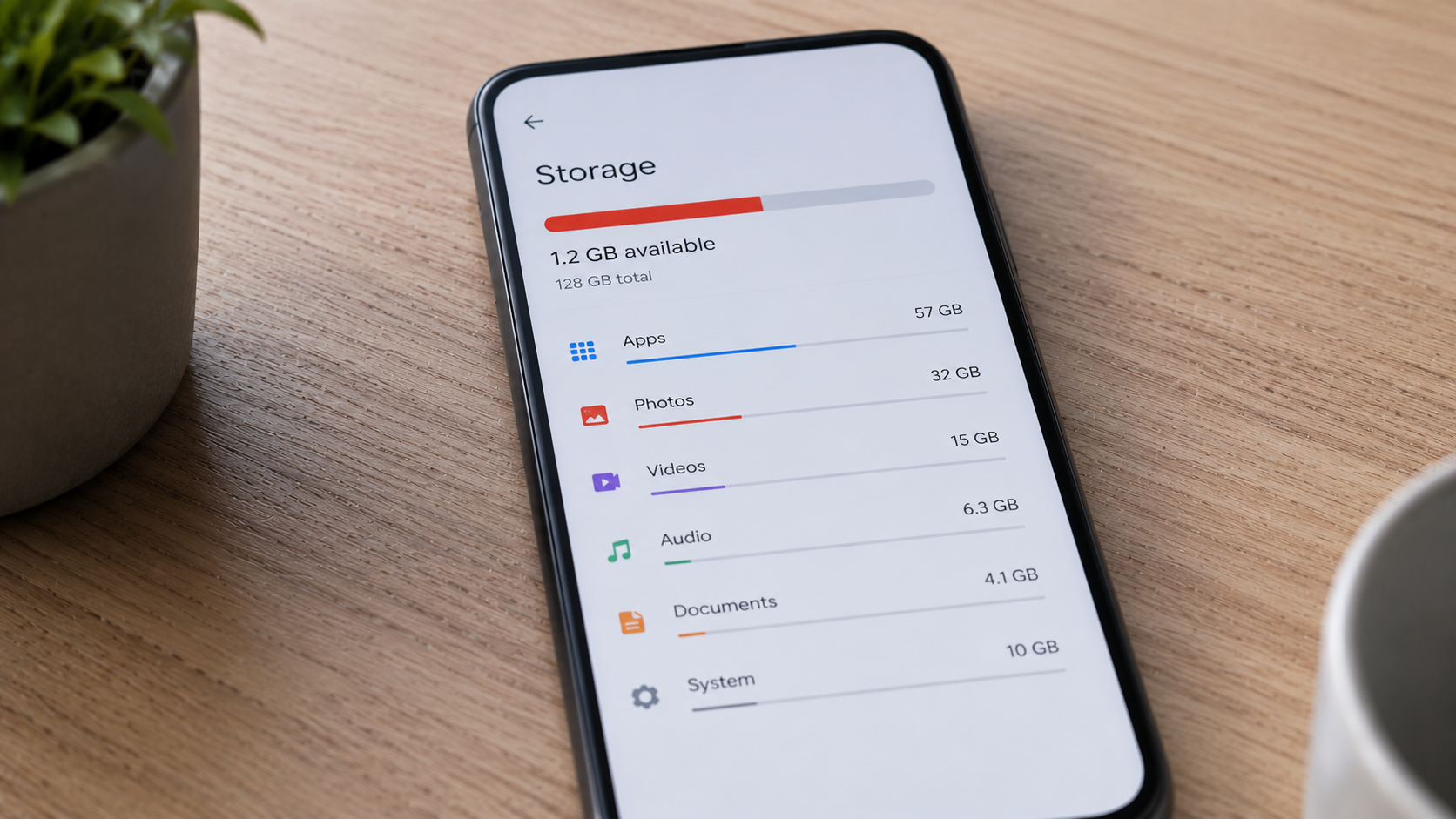
Many people check an app’s size before installing it.
A messaging app might show a size of 150 MB, while a social media app may require only a few hundred megabytes.
However, after months of use, those same apps can consume several gigabytes of storage.
So what causes apps to grow so much?
The answer is that the installation size is only the beginning.
Apps Store Additional Data
After installation, apps begin creating and storing extra information.
This may include:
- user settings
- account information
- downloaded content
- temporary files
As usage increases, storage requirements also grow.
Cache Can Become Very Large
Many apps store cached files to improve loading speed.
Examples include:
- image thumbnails
- video previews
- website data
- frequently accessed content
Cache helps apps feel faster, but it also increases storage usage over time.
Heavy-use apps can accumulate hundreds of megabytes or even gigabytes of cache.
Messaging Apps Store Media Automatically
Messaging apps are among the biggest storage consumers.
Photos, videos, voice notes, and documents are often saved automatically.
Even if you rarely revisit old conversations, these files continue occupying storage.
Over time, media storage can become much larger than the app itself.
Streaming Apps Download Content
Music and video streaming apps frequently offer offline downloads.
A few downloaded playlists or TV episodes can use substantial storage.
Many users forget these files exist until storage warnings appear.
App Updates Can Increase Size
Modern apps regularly receive updates.
New features, additional resources, and expanded functionality can gradually increase storage requirements.
This is why an app may become significantly larger than it was when first installed.
Why Large Apps Can Affect Performance
Storage usage is not only a capacity issue.
When too many apps consume excessive storage, available free space decreases.
Limited free storage can make it harder for the system to manage temporary files efficiently.
You can learn more here:
Why Your Phone Slows Down When Storage Is Full (And How to Fix It)
How to Keep App Storage Under Control
Simple habits can help:
- review storage usage periodically
- remove unused apps
- clear unnecessary cached data
- delete old downloads
- keep free storage available
Small maintenance steps prevent large storage problems later.
Final Takeaway
Apps often consume far more storage than their listed installation size.
Cache files, downloaded media, updates, and user data all contribute to growth over time.
Understanding this behavior makes it easier to manage storage and avoid performance issues.