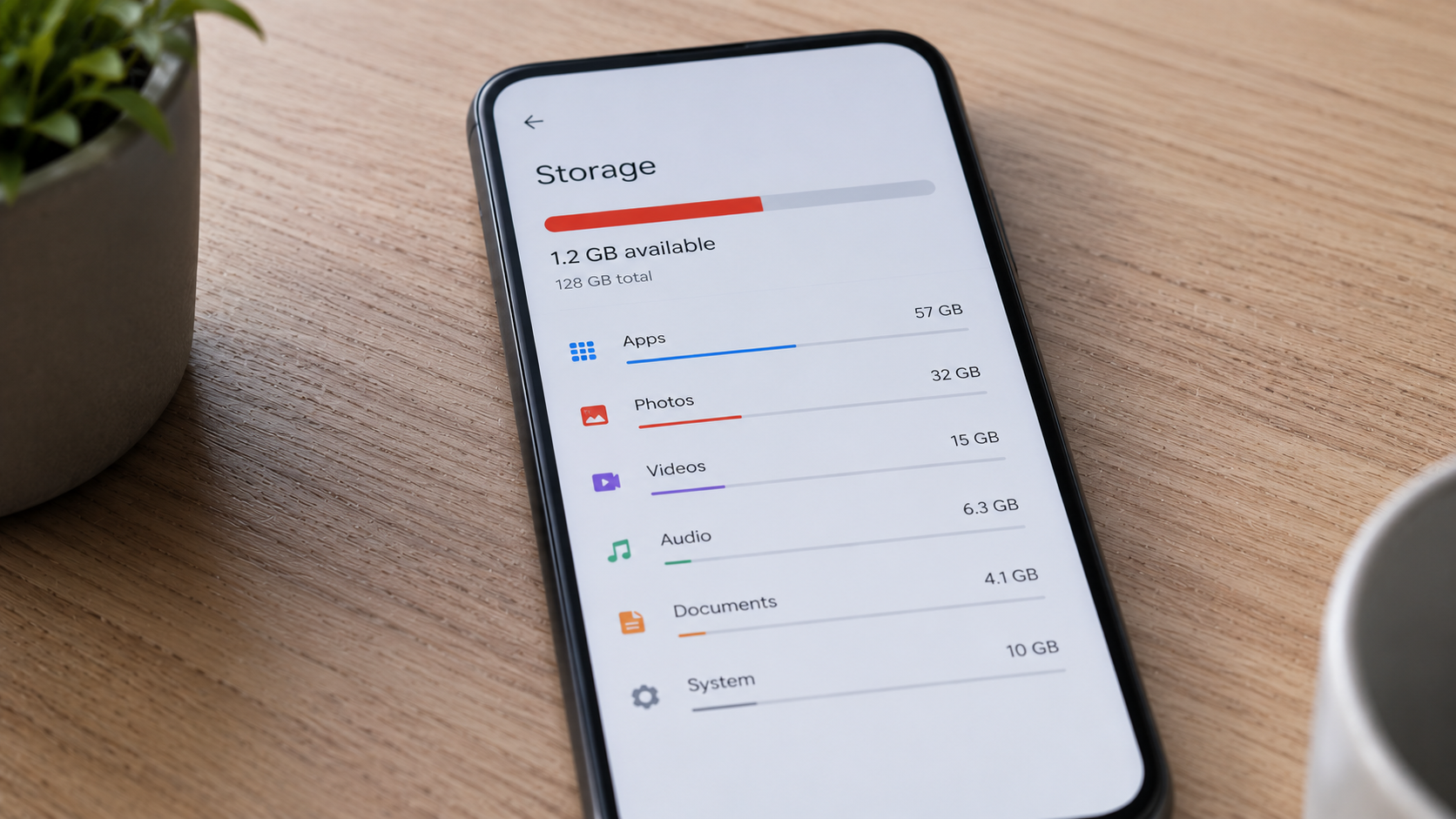
Many people are surprised when their phone suddenly reports low storage.
You may not be installing many apps, recording large videos, or downloading huge files, yet available storage continues to shrink.
The reason is that modern smartphones store much more than just apps and photos.
Several hidden types of data gradually consume storage in the background.
App Data Grows Over Time
Apps rarely stay the same size after installation.
As you use them, they accumulate:
- cached files
- downloaded content
- temporary data
- user preferences
A social media app that initially required a few hundred megabytes can eventually occupy several gigabytes.
This growth happens gradually, making it difficult to notice.
Photos and Videos Consume More Space Than Before
Modern smartphone cameras produce higher-quality content than ever.
Features such as:
- high-resolution photos
- HDR images
- 4K video recording
- slow-motion videos
all require significantly more storage.
A few minutes of video can consume hundreds of megabytes.
Messaging Apps Store More Than Messages
Messaging apps often become hidden storage consumers.
They store:
- photos
- videos
- voice notes
- documents
- stickers
Even if you rarely review old conversations, these files often remain stored on the device.
Over months or years, storage usage can become substantial.
Offline Content Adds Up
Many people forget about offline downloads.
Examples include:
- music playlists
- streaming downloads
- maps
- podcasts
These files remain on the phone until manually removed.
Multiple services storing offline content can consume significant space.
System Files Also Grow
The operating system creates temporary files to help the phone function efficiently.
Examples include:
- update files
- logs
- system caches
- diagnostic information
While each file may be small, their combined impact grows over time.
Why Low Storage Can Affect Performance
Storage is not only about capacity.
When available space becomes limited, the phone may struggle to manage temporary files efficiently.
This can contribute to slower performance.
You can learn more here:
Why Your Phone Slows Down When Storage Is Full (And How to Fix It)
How to Prevent Storage Problems
A few simple habits can help:
- review large apps periodically
- remove unused downloads
- back up old photos and videos
- clear unnecessary cached data
- maintain free storage space
These steps help prevent sudden low-storage warnings.
Final Takeaway
Phone storage often disappears because of accumulated app data, media files, offline downloads, and system information.
The process is gradual, which is why many users notice the problem only after storage becomes critically low.
Understanding where storage goes makes it much easier to manage.